Title here
Summary here
These badges are interactive devices designed to make Orangecon more fun and force some socialization. They track your interactions, help you earn points, and let you compete on a leaderboard. Think of it as a mix between a digital companion and a gamified social experience. After the con they can be reflashed to become any number of useful tools. (hint. the 10:05 talk at Track 1 by Slawomir Jasek should inspire you a little)
Badges can detect other badges, monitor your activity, and reward you for exploring and interacting. Whether you’re meeting people, visiting key locations, or pwning the badge, your badge keeps score and lets you see how you rank among others.
If you want to learn more about the badges or speak to our wonderful volunteers at the badge booth, which will be on the first floor. To get some hands on experience with the badge there is an 11:20 workshop in Workshops 3 which will provide you with the skills needed to continue using the badge after the con.
Your badge is your companion throughout the event. Keep it powered on, carry or wear it with you, and check it regularly to track your progress.
As you move around, meet other participants, and complete other fun activity, the badge will record your actions when awake and held next to other badges which will award you points. Use the screen to monitor your score, connectivity status, battery level, and other event information.
Most of the time, you can simply double click the left side button to let your badge rest and enjoy the event. The badge is designed to conserve battery automatically by going to sleep when not in use but it can be iffy, please come to the badge booth with any issues you have:)
The badge goes to sleep automatically to save the battery.
Activate it using the main blue button:
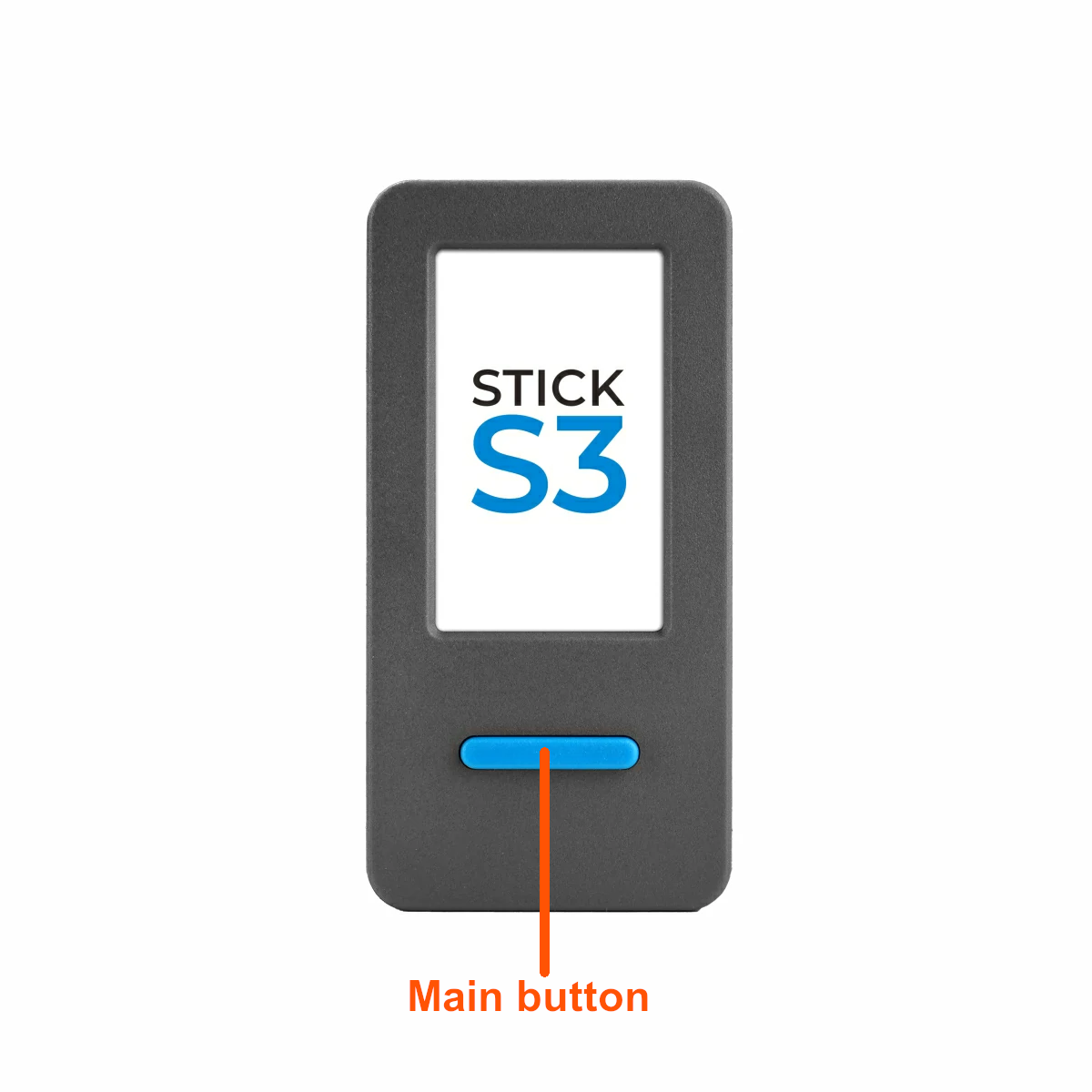
Main screen:
Left button - power control:
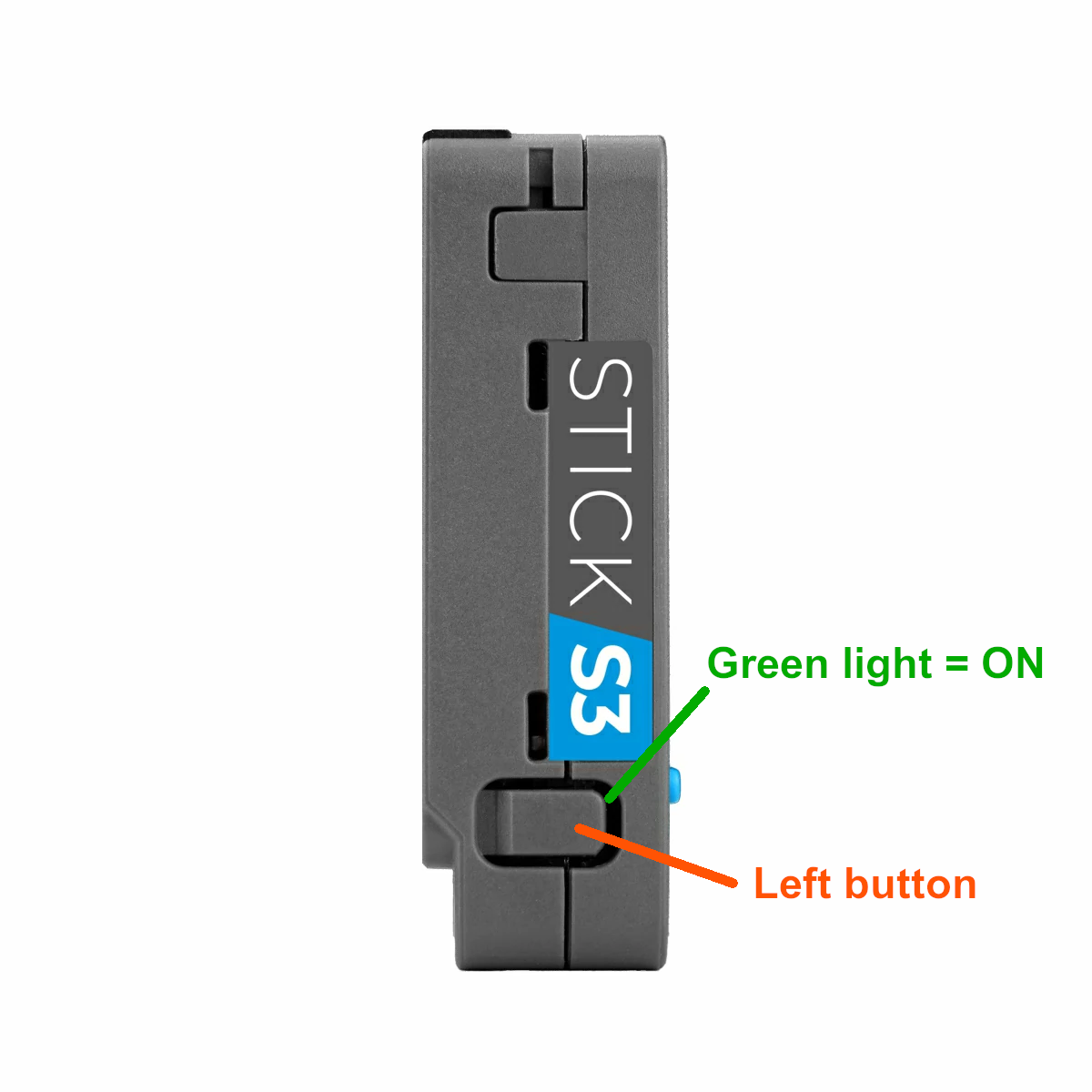
Green = powered on (may be asleep).
Right button - next screen:
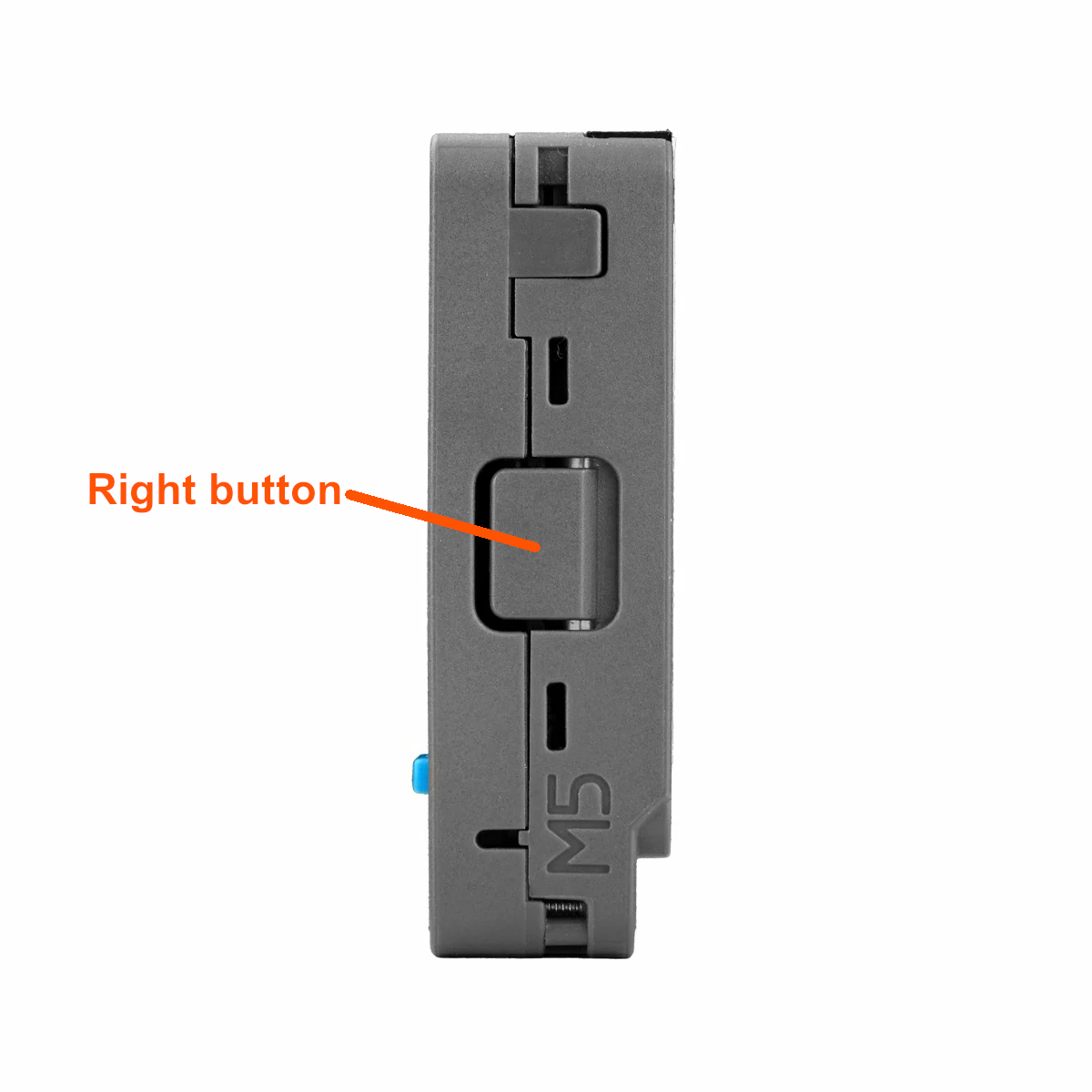
Single-press: cycles through multiple screens.
Collect points and check your position on the leaderboard.
Get points for:
For interacting with badges you recieve different amounts of points based on who/what you interacting with. If you interact again after a 5 minute cooldown, you can earn double the points, but only once.